Claude for YouTube analytics
Connect vidIQ to Claude to analyze your YouTube channel, research keywords, and study competitors with real data. Add it from Claude's Connector Directory in about a minute.
Claude on its own vs. Claude with vidIQ
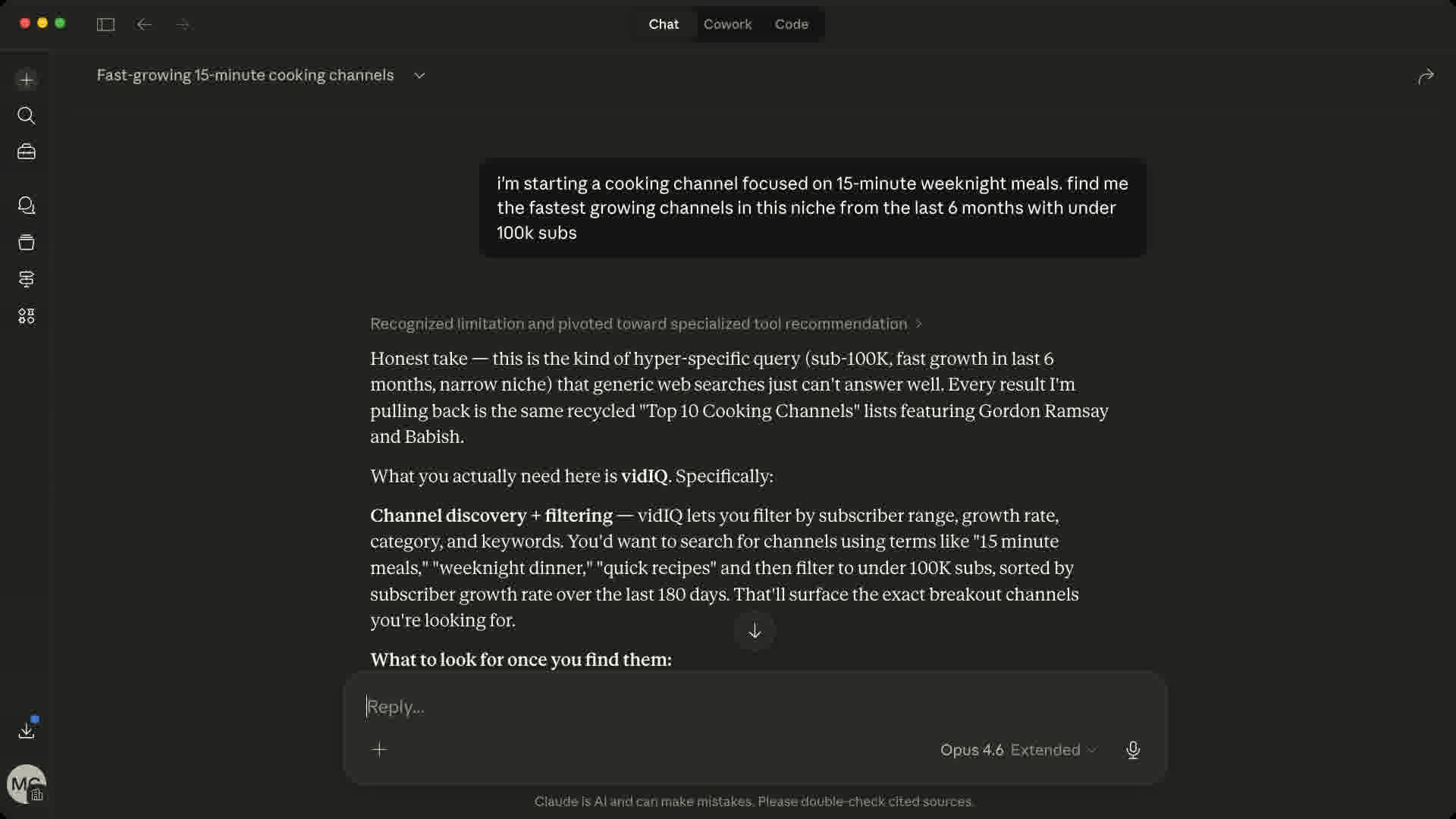
On its own, Claude can only offer general advice. With vidIQ connected, it answers from channel stats, keyword data, and breakout videos.
 Cursor
 ChatGPT
 Codex
Codex OpenClaw
How to connect vidIQ to Claude
You need a Claude account and a vidIQ account. Open the vidIQ listing, click Connect, sign in, and ask your first YouTube question. No API key or server URL needed.
- 1
Open the vidIQ listing in Claude's Connector Directory.
- 2
Click Connect, then sign in or create your vidIQ account to authorize access.
- 3
In a conversation, open + → Connectors, turn on vidIQ, and start your prompt with "Use vidIQ to…"
Claude's Connector Directory
 Add to Claude (opens in a new tab)
Official directory listing - no server URL required
Paste it in Claude under Customize → Connectors → Add custom connector. It's not a browser link.
Claude prompts for YouTube creators
Copy a prompt, replace the [placeholders] with your channel, niche, or topic, and paste it into Claude with the vidIQ connector turned on. Each one starts with “Use vidIQ to” so Claude reaches for live data.
52 tools and counting
46 core tools below, plus 6 free utility tools
keyword_research
Find keywords your competitors are sleeping on
outliers
Spot videos that blew up for a reason
generate_clips
Turn a long video into vertical clips
generate_thumbnail
Generate a thumbnail from a prompt
generate_titles
Generate high-CTR title ideas
subscriber_insights
Find your best time to post and who else your fans watch
video_transcript
Read any video without watching it
trending_videos
See what formats are blowing up right now
Plus 6 free utility tools: credits balance, your connected channels, async job tracking, voice library, and feedback. Tool calls draw from your vidIQ plan’s shared credit pool.
What is the Claude YouTube connector?
The vidIQ connector is a YouTube connector for Claude, built on MCP (Model Context Protocol). It gives Claude live access to YouTube data: analytics for the channel linked to your vidIQ account, public stats for any channel or video, keyword volume, outliers, comments, and transcripts. Instead of guessing, Claude answers with real numbers.
Ask Claude questions like:
- Why did my last video underperform against my channel average?
- Which keywords in my niche have high volume and low competition?
- What videos are breaking out in my topic this week?
Setup takes about a minute. Open vidIQ’s official listing in Claude’s Connector Directory, click Connect, sign in, and ask your first question. It works in Claude on web, desktop, and mobile, with no API key or config file. The directory listing is read-only. For the full tool set, including approved edits to videos you own, add vidIQ as a custom connector with https://mcp.vidiq.com/mcp or connect it in Claude Code.
Common questions about Claude for YouTube analytics
Need help getting connected? Read How to use vidIQ in Claude and Claude Code
Yes, with the vidIQ connector. On its own, Claude cannot see your YouTube analytics. Connect vidIQ and link your channel to your vidIQ account, then ask about views, watch time, traffic sources, and retention. Claude can also use public stats for any channel or video, plus keyword volume, outliers, comments, and transcripts.
Yes, with vidIQ connected. Share a video URL and Claude can pull its public stats, transcript, and comments, then summarize what the video covers, how viewers reacted, and how it compares with the channel’s usual results. Try: "Use vidIQ to analyze [video URL] and explain why it performed the way it did."
Yes, connecting is free on every vidIQ plan, including Free. Tool calls draw from your plan’s shared credits, and most research tools cost 5 credits per call. Claude subscriptions are separate and do not add vidIQ credits. Ask "Use vidIQ to check my credit balance" to see what you have left; that check is free.
Yes. vidIQ has an official listing in Claude’s Connector Directory. Open it, click Connect, and sign in with your vidIQ account; you don’t need a server URL or API key. The listing is read-only. For the full tool set, including approved edits to your videos, add vidIQ as a custom connector or use Claude Code.
Open Customize → Connectors, select Add custom connector, name it vidIQ, and enter https://mcp.vidiq.com/mcp. Sign in with your vidIQ account when prompted, then turn vidIQ on in a chat from + → Connectors. A custom connector has the full tool set, including thumbnail generation, Comment Insights, and approved changes to videos you own.
It can edit, not upload, and not through the directory listing, which is read-only. Add vidIQ as a custom connector or use Claude Code, sign in, and Claude can update an existing video’s title, description, tags, visibility, schedule, or thumbnail on a channel you own. You approve each change first. To publish a new video, use YouTube Studio.
Yes. Run claude mcp add --transport http vidiq https://mcp.vidiq.com/mcp in your terminal, then run /mcp inside Claude Code and sign in with your vidIQ account. Signing in gives you the full tool set, including approved edits to videos you own. The vidIQ plugin for Claude Code is another option and adds ready-made YouTube workflows.
Check that vidIQ is turned on for the conversation from + → Connectors, and start your prompt with "Use vidIQ to…". If Claude can’t see your channel, ask "Use vidIQ to list my connected channels." The channel must be linked to the vidIQ account you signed in with. If it isn’t, disconnect vidIQ and reconnect with the right account.
vidIQ connects through OAuth, so Claude receives an authorization token, never your vidIQ password. You choose which conversations use vidIQ from + → Connectors, and you can disconnect it in Claude’s connector settings at any time. vidIQ only sends data in response to your requests, and the directory listing cannot change anything on YouTube.
Bring real YouTube data into Claude
Add vidIQ from Claude’s Connector Directory and start using Claude for YouTube analytics in your next conversation.
Add to Claude (opens in a new tab)Also works with ChatGPT, Cursor, Perplexity, OpenClaw, Grok, Codex, Gemini CLI and any MCP-compatible tool. Available on every vidIQ plan, including Free.