Muse for social media growth
Connect vidIQ to Meta Muse for your YouTube analytics and public breakout videos across YouTube, Instagram and TikTok.
Free to connect on every vidIQ plan.
Muse on its own vs. Muse with vidIQ
Add YouTube analytics and breakout videos across YouTube, Instagram and TikTok.
Without vidIQ
I’m starting a faceless history Shorts channel. What should my first videos be?
- Brainstorm ideas, explore a niche and refine your hooks.
- Browse public websites for background and examples.
- Work with information you share and connectors you enable.
With vidIQ
Use vidIQ to find faceless history Shorts channels under 3 months old with a breakout video, and tell me what they have in common.
- New channels in the niche, with subscriber counts and their best videos.
- Which videos beat their channel’s usual views, and by how much.
- Search demand for the topics, then five first-video ideas based on the data.
What Muse already covers. Muse can browse the web. What connected accounts add depends on the connector and your permissions. What vidIQ adds. Your authorized YouTube analytics, keyword estimates and public breakout video datasets across YouTube, Instagram and TikTok.


What creators ask Muse with vidIQ
Check how your channel is doing
Track views, subscribers and watch time for your linked YouTube channel.
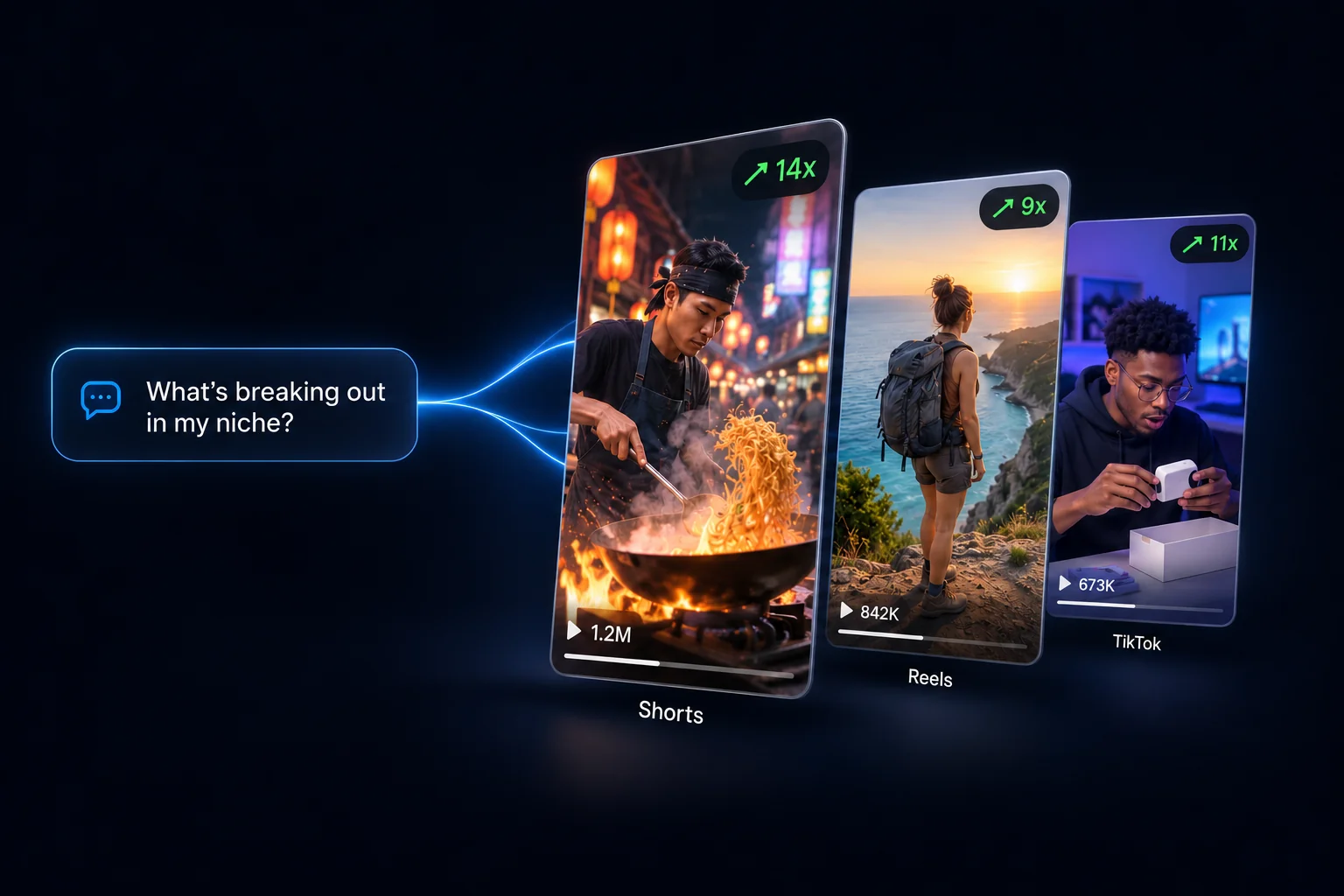
Find what’s breaking out in your niche
Find YouTube videos and Shorts that outperform their channel’s usual views.
Check search demand before you film
Explore YouTube search volume, competition and related keywords for your topic.
See which Reels and TikToks are working
Discover breakout Reels and TikToks from other creators in your niche.
Study a channel you want to learn from
Explore public channel stats, top videos, titles and available transcripts or captions.
Improve your titles and thumbnails
Score your titles and thumbnails, then explore new title ideas.
Private analytics are for your linked YouTube channel; Instagram and TikTok coverage is public content research.
How to connect vidIQ to Muse
When vidIQ is available in your Muse connectors, sign in with your vidIQ account and ask your first question.
- 1
Tap Add to Muse, or in Muse open Settings → Connectors and search for vidIQ.
- 2
If available, tap Connect, review the information, then tap Continue and follow the vidIQ sign-in and authorization steps.
- 3
Link your YouTube channel to your vidIQ account if you haven’t yet, at app.vidiq.com.
- 4
In a chat, start your prompt with “Use vidIQ to…” so Muse reaches for live data.
Muse prompts for creators
Copy a prompt, fill in the [placeholders], and paste it into Muse with vidIQ connected.
Tools available in Muse
Cross-platform research, packaging, and your YouTube analytics.
channel_analytics
Deep-dive your own channel's analytics
outliers
Spot videos that blew up for a reason
keyword_research
Find keywords your competitors are sleeping on
trending_videos
See what formats are blowing up right now
instagram_tiktok_outlier_search
Scan Instagram and TikTok for breakout posts in one call
video_transcript
Read available video transcripts or captions
score_title
Score a title before you publish
Research and discovery
keyword_research
Find keywords your competitors are sleeping on
5 credits / call
outliers
Spot videos that blew up for a reason
5 credits / call
similar_videos
Find proven winners similar to the video you're planning
5 credits / call
trending_videos
See what formats are blowing up right now
5 credits / call
channel_search
Search millions of channels with smart filters
5 credits / call
similar_channels
Find your real competitors
5 credits / call
youtube_search
Search all of YouTube from your AI
5 credits / call
video_stats
Reverse engineer what worked over time
5 credits / call
channel_videos
Browse any channel's uploads
5 credits / call
get_videos_by_ids
Look up any video instantly
5 credits / call
get_channels_by_ids
Pull channel details in bulk
5 credits / call
video_transcript
Read available video transcripts or captions
5 credits / call
video_comments
Mine audience sentiment from comments
5 credits / call
channel_performance_trends
See how fast a channel's videos gain views
5 credits / call
similar_thumbnails
Find videos whose thumbnails look like yours
5 credits / call
video_watch
Have your AI actually watch a video
25 credits / call
Your channel
channel_analytics
Deep-dive your own channel's analytics
5 credits / call
subscriber_insights
Find your best time to post and who else your fans watch
5 credits / call
list_competitors
See the competitors you're tracking
Free
update_competitors
Follow or unfollow competitor channels
Free
Packaging
score_title
Score a title before you publish
5 credits / call
score_thumbnail
Score a thumbnail for click potential
5 credits / call
generate_titles
Generate high-CTR title ideas
5 credits / call
generate_thumbnail
Generate a thumbnail from a prompt
22 credits / call
refine_thumbnail
Tweak a thumbnail by describing the change
22 credits / call
Production
generate_script
Write a full video script from your research
1 credit / min of script
Instagram and TikTok
instagram_tiktok_outlier_search
Scan Instagram and TikTok for breakout posts in one call
5 credits / call
ig_accounts_from_outliers
Find the Instagram creators worth learning from
10 credits / call
ig_profile
Pull any Instagram profile's stats
5 credits / call
ig_profile_reels
Analyze a creator's reels
5 credits / call
watch_shortform_content
Scene-by-scene breakdown of any Short, Reel, or TikTok
10 credits / call
Common questions about vidIQ for Muse
vidIQ for Meta Muse connects Meta’s AI assistant to your linked YouTube analytics, YouTube keyword and video research, and public Reels and TikTok discovery. Connecting is free; tool use draws from your shared vidIQ credits.
Yes, with vidIQ connected. Link your YouTube channel to your vidIQ account, then ask Muse about views, watch time, subscribers and which videos or Shorts beat your usual numbers.
Muse uses the YouTube channel linked to the vidIQ account you authorize, not a channel inferred from your Muse login. If the wrong channel appears, check your linked channels in vidIQ and reconnect using the intended vidIQ account.
Yes. You can research public channel and video stats, topics, titles and available transcripts. Private YouTube analytics, such as watch time and audience retention, require a channel linked to your own authorized vidIQ account. Researching a competitor does not reveal their private analytics.
Muse can already browse websites and use other connectors. vidIQ adds authorized YouTube analytics, YouTube keyword estimates and outlier datasets. Instagram and TikTok tools here research public content, not private account analytics or publishing.
Connecting is free on every vidIQ plan, including Free. Tool calls draw from your plan’s shared credits, the same balance you use in the vidIQ app and in other AI tools. Ask "Use vidIQ to check my credit balance" to see what you have left.
Credits are charged per tool call, not per chat message. A single request can use several tools or repeat a tool, so its total depends on the calls Muse makes. The tools table on this page shows per-call rates; check your shared vidIQ credit balance before a larger research task.
In Muse, open Settings, then Connectors. If vidIQ is available for your account, select Connect, review the information and continue to vidIQ sign-in. Authorize the connection, then ask Muse to use vidIQ. Availability can depend on your account, region and Muse app.
No. Use the vidIQ connector in Muse and sign in with your vidIQ account. This connection uses OAuth authorization, so you do not need to generate or paste an API key.
Yes. Ask Muse to use vidIQ to find breakout Shorts on YouTube, or breakout Reels and TikToks on a topic. You get the videos, the accounts behind them and how far each one beat its usual views.
Yes. With vidIQ connected, you can score a title or thumbnail, generate title ideas, create a thumbnail from a prompt and refine a thumbnail by describing a change. Scores are guidance, not a guarantee of clicks or views. Generation and scoring use the credits listed in the tools table.
Start with one goal: review your channel, research a topic or find breakout videos. The prompt library on this page has ready-to-copy starting points. Replace any bracketed placeholders with your details, then paste the prompt into Muse. Starting with "Use vidIQ to" makes the tool request explicit.
Check that vidIQ shows as connected in Settings → Connectors, and start your prompt with "Use vidIQ to…". If Muse can’t see your channel, ask "Use vidIQ to list my connected channels." The channel must be linked to the vidIQ account you signed in with.
vidIQ uses OAuth rather than sharing your password with Muse. Review the connection permissions and any tool-use approval prompts; when Muse asks depends on the action and your permission settings. Manage permissions in Muse’s Settings → Permissions, disconnect under Settings → Connectors, or revoke access in vidIQ under Account Settings → MCP. See Meta’s connector approvals guide.
Find your next video idea with Muse
Connect vidIQ for YouTube insights and breakout videos across YouTube, Instagram and TikTok.
 Add to Muse (opens in a new tab)
Also works with Claude, ChatGPT, Cursor, Perplexity, OpenClaw, Grok, Codex, Gemini CLI and any MCP-compatible tool. Available on every vidIQ plan, including Free.