AI Content Generator for YouTube
Plan your next YouTube video.
Give vidIQ a topic and get a working title, description, keywords, and script for your next video. Read the draft or listen to it before you record.
Example brief
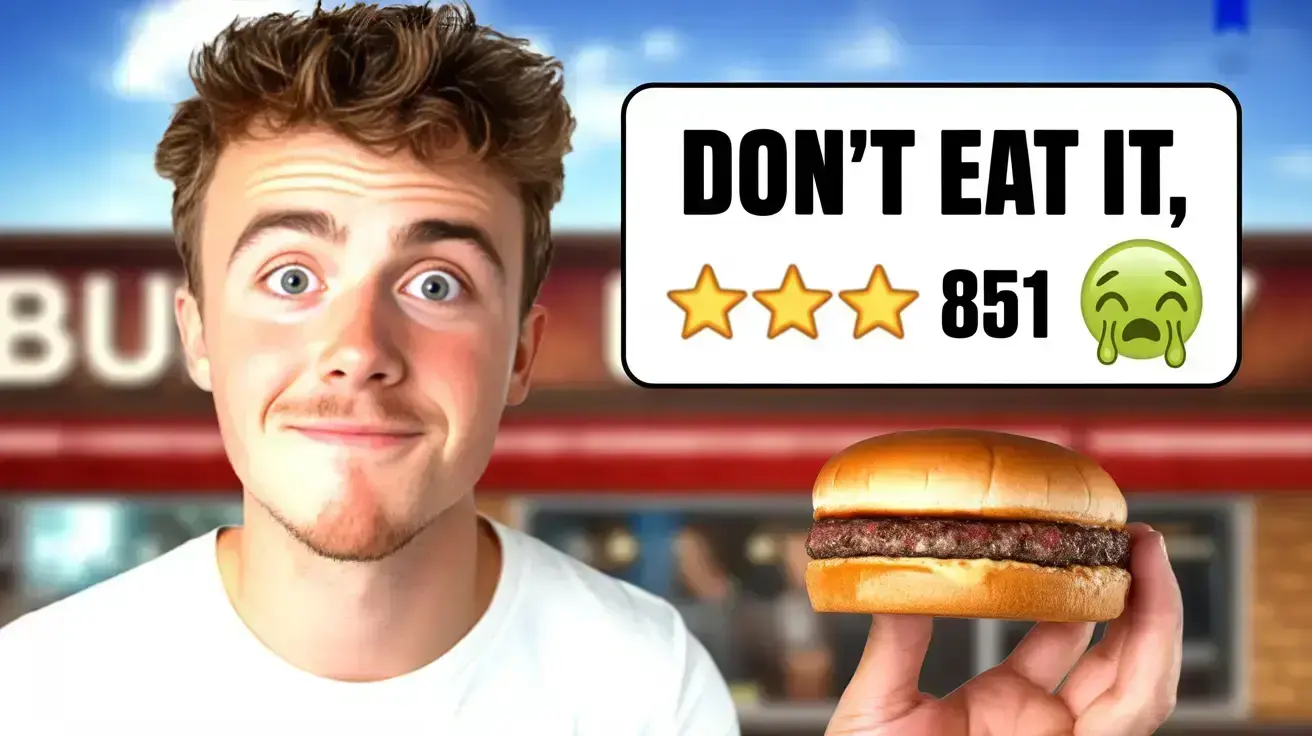
Is the lowest-rated burger in town actually bad?
I ordered the burger everyone warned me about. Before I take a bite, let’s read the review that sent me here.
Trusted by 30M+ creators
"VidIQ has saved me a lot of research time when deciding what to make videos about and also what keywords and titles to use." Minecrafter Joe
Inside your YouTube video brief
One topic gives you a title, description, keywords and script. Listen to the draft aloud or open a vidIQ account to make a custom thumbnail.
Video title
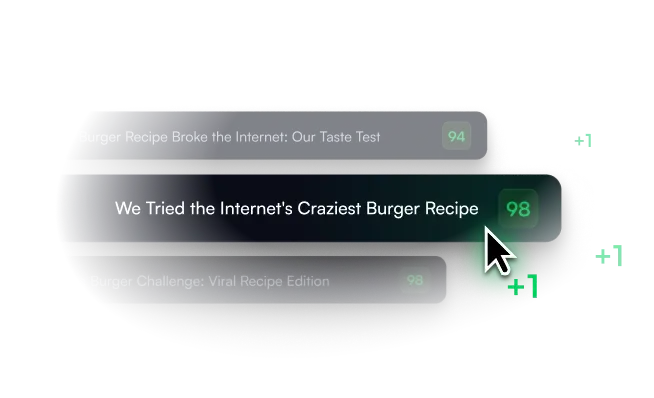
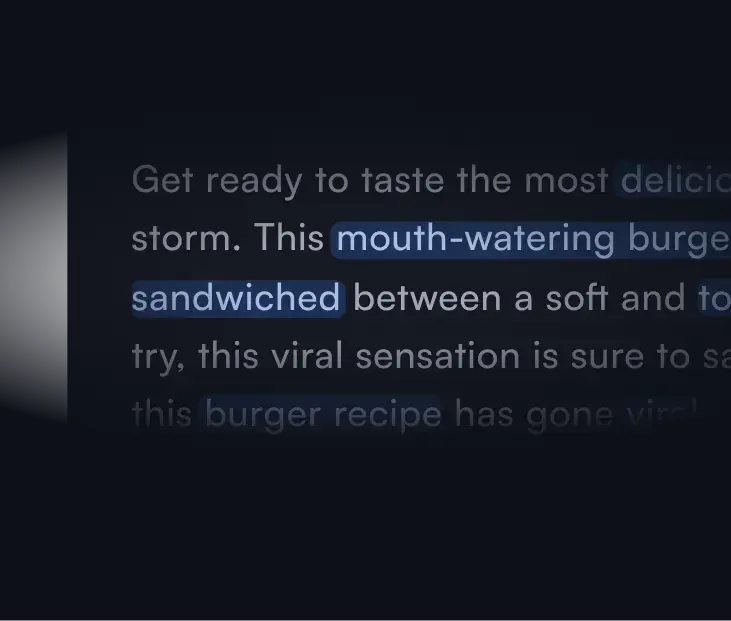
YouTube description
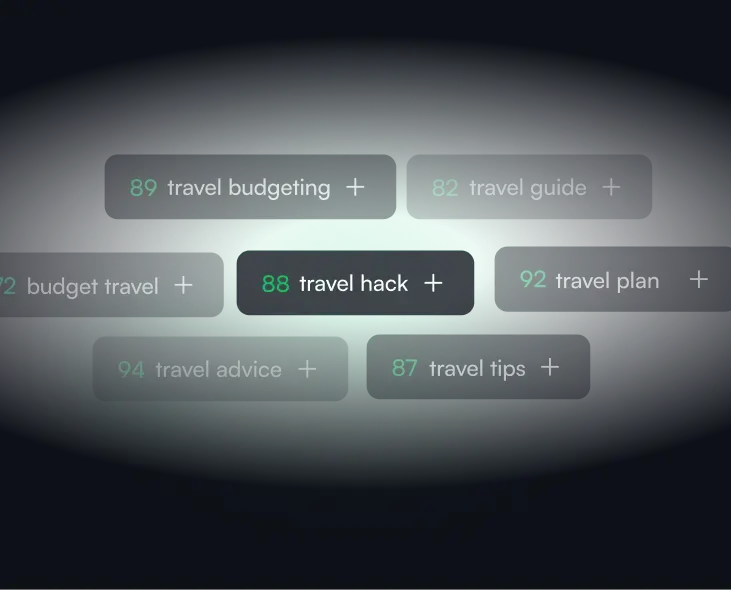
Suggested keywords
Custom thumbnails with a vidIQ account

Video script
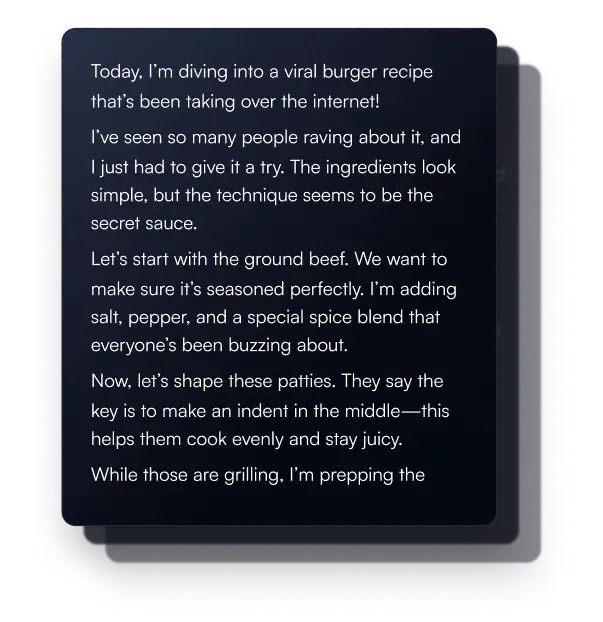
On-demand voice-over preview
How to plan a YouTube video with AI
Describe your video
Name the topic, your audience and the angle. “A balcony herb garden for renters” gives the generator more to work with than “gardening.”
Read your first draft
Check that the title promises something your script delivers. Review the description and keep the keywords that fit your video.
Make it sound like you
Read the script aloud or generate a voice-over preview. Adjust the pacing and add your own examples before you record.
Hear the script before you record
Once your script is ready, select Generate under Voiceover. Listen for sentences that run long and places where a short pause would help.
Give your video a clear angle
Tell the generator what viewers should know by the end. A tutorial for first-time gardeners needs a different opening from a review for experienced growers.
Name the viewer
Who is watching, and what do they already know about your topic?
Choose the format
Specify a tutorial, review or comparison so the draft has the right structure.
Set a takeaway
Describe what your viewer should be able to do after watching.
YouTube tools for each part of your draft
Working on a single piece of a video? Start with the tool for that task.
Want to generate the video itself?
The content generator gives you the written plan. Use vidIQ’s AI Video Generator to turn a prompt into a video.
Explore the AI Video Generator