Supercharge your Claude with the best YouTube data
Connect YouTube to Claude and get real, data-backed answers instantly.
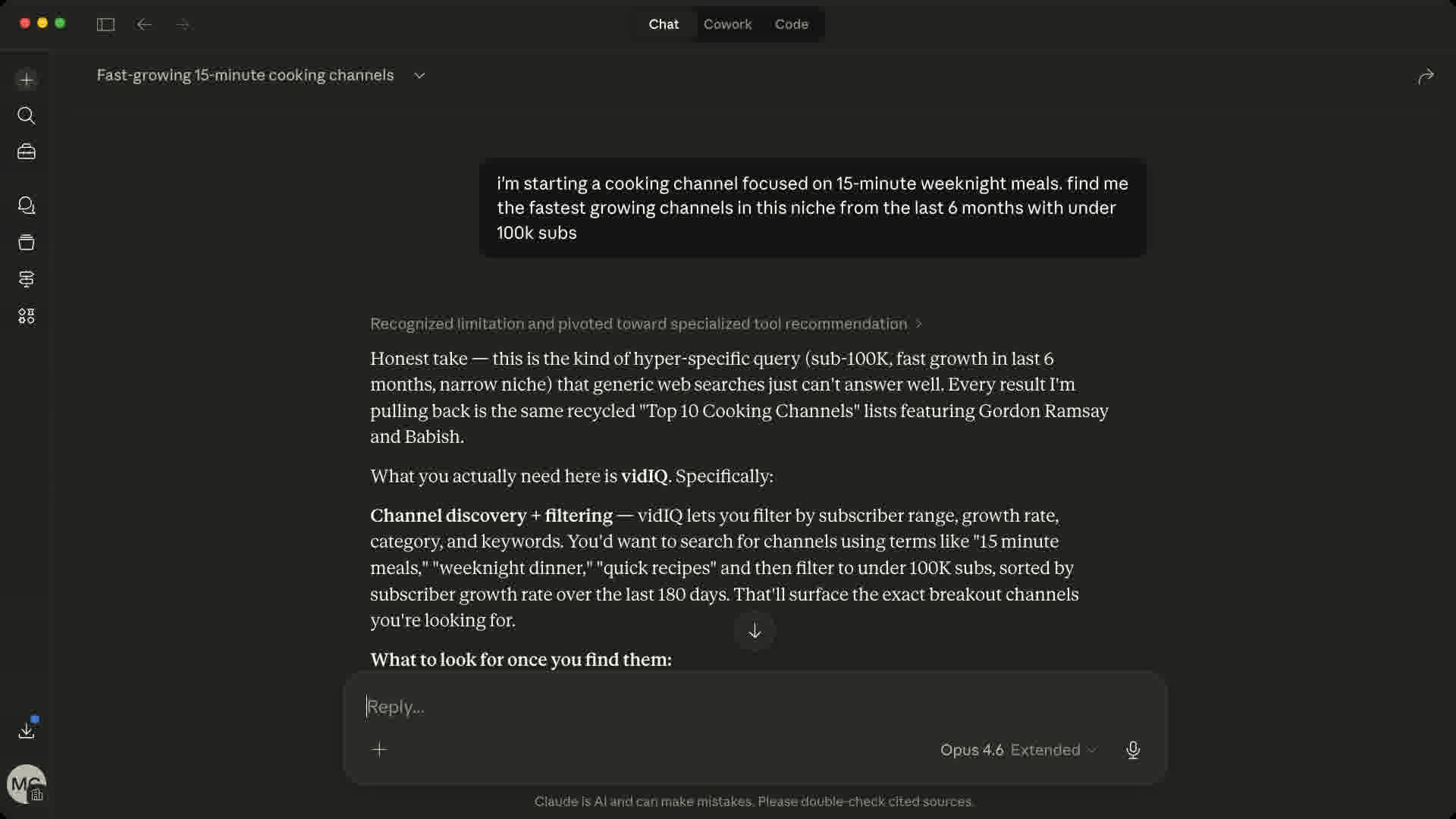
Same prompt. Different intelligence.
135M+ channels. 12B+ videos. Real-time data.
 Cursor
 ChatGPT
 Codex
Codex OpenClaw
Set Up the Claude YouTube MCP in 60 Seconds
Pick your AI tool and follow the steps.
- 1
Open vidIQ's official listing in Claude's Connector Directory
- 2
Click Connect, then sign in or create your vidIQ account to authorize access
- 3
You're all set. vidIQ tools are now available in your Claude conversations.
Claude's Connector Directory
Connect vidIQ to Claude (opens in a new tab)Official directory listing - no server URL required
Copy. Paste. Insight.
Ready-to-use prompts. Paste directly into your AI tool.
50 tools and counting
44 core tools below, plus 6 free utility tools
keyword_research
Find keywords your competitors are sleeping on
outliers
Spot videos that blew up for a reason
generate_clips
Turn a long video into vertical clips
generate_thumbnail
Generate a thumbnail from a prompt
generate_titles
Generate high-CTR title ideas
subscriber_insights
Find your best time to post and who else your fans watch
video_transcript
Read any video without watching it
trending_videos
See what formats are blowing up right now
Plus 6 free utility tools: credits balance, your connected channels, async job tracking, voice library, and feedback. Tool calls draw from your vidIQ plan’s shared credit pool.
The Claude YouTube Connector
vidIQ's MCP is a YouTube connector for Claude: a one-click integration that gives Claude live access to real YouTube data. Once connected, Claude stops guessing and starts pulling actual numbers, from channel analytics and competitor research to keyword volume, trending outliers, comments, and video transcripts.
Ask things like:
- Why did my last video underperform against my channel average?
- Which keywords in my niche have high volume and low competition?
- What videos are breaking out in my topic this week?
Setup takes about a minute. Open vidIQ's official listing in Claude's Connector Directory, click Connect, authorize, and ask your first question. No API keys, no config files, and it works in Claude on web, desktop, and mobile.
MCP for Claude: Common Questions
MCP (Model Context Protocol) is an open standard that lets AI tools connect to external data sources. vidIQ's MCP server gives Claude, Cursor, Codex, and others direct access to your YouTube analytics so you can ask questions in plain English and get real, data-backed answers. It's the fastest way to get real YouTube channel data and analytics directly inside Claude.
Yes. vidIQ is officially listed in Claude's Connector Directory. Open the vidIQ listing, click Connect, and authorize your account - no custom connector or MCP server URL is required.
No. vidIQ's MCP server uses our own data infrastructure, not the YouTube Data API. Your YouTube API quota is completely unaffected.
No. vidIQ's MCP server is read-only for your YouTube channel. AI tools can query and surface insights, but they cannot post videos, change settings, or modify anything on YouTube. The only thing they can update is your vidIQ competitor watchlist.
Any tool that supports the MCP protocol: Claude, Claude Code, Cursor, Codex, OpenClaw, and others. If your tool supports MCP, vidIQ works with it.
Yes. API keys are specific to MCP access, are revocable at any time, and are never shared with third-party AI providers. vidIQ only sends data in response to your explicit queries.
Ready to supercharge your Claude?
Add vidIQ as a connector and get real, data-backed YouTube insights in seconds.
Connect vidIQ to Claude (opens in a new tab)