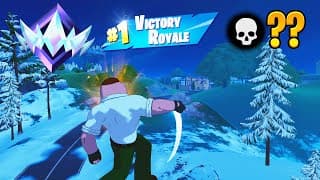
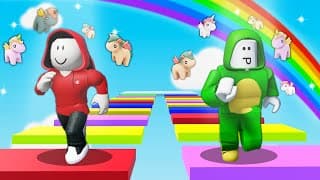
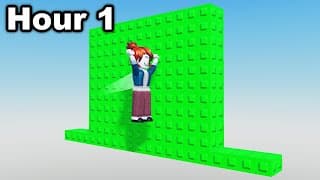
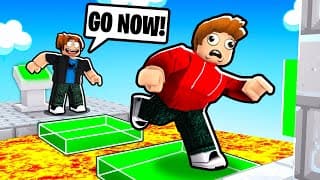
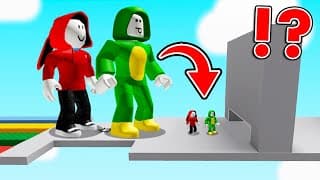
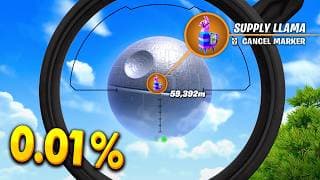
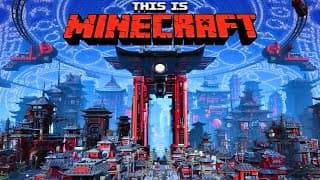
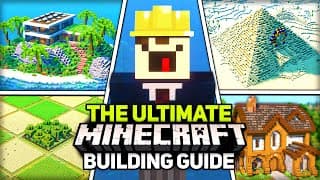
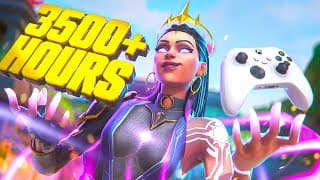
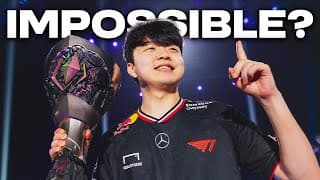
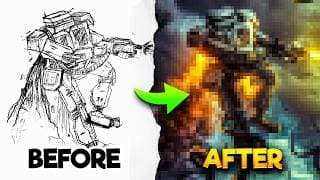
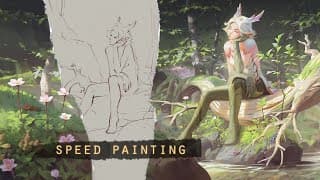
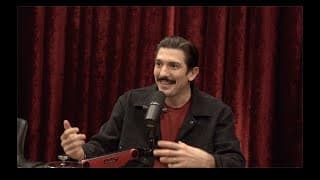
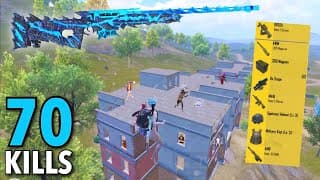
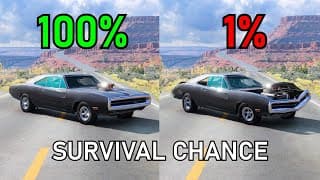
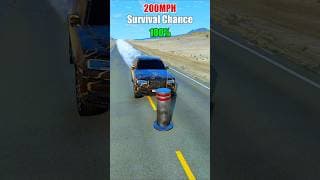
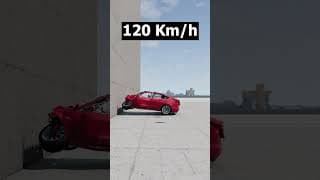
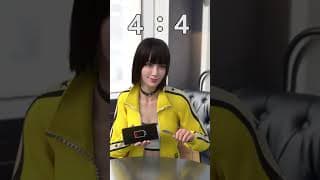
Youtube Thumbnail Templates

Free YouTube Thumbnail Templates You Can Edit in Minutes

Pick a ready-made template, customize it with our Thumbnail Editor, and upload to YouTube instantly.

Start Creating Now

Create Your Own Stunning Thumbnails

Start with a template or create from scratch. Our easy-to-use editor makes it simple to create professional-looking thumbnails in minutes.

Start Creating Now

Edit Any Template in Minutes

Every YouTube thumbnail template is fully customizable in our free thumbnail editor.

Pick a Template, Make it Unique

Start with a professional template and customize it into a unique thumbnail that fits your brand and style.

  • Choose from hundreds of templates across different niches
  • Customize colors, fonts, and layouts to match your brand
  • Generate variations to find the perfect thumbnail
Explore Templates

Instant, Professional Customization

Make on-the-fly edits with our AI-powered editor.

  • Edit text, swap images, and adjust design elements in seconds
  • Real-time preview shows exactly how your thumbnail will look
  • No design experience needed—get polished results every time
Try It Now

Why YouTube Creators Start with vidIQ's Thumbnail Templates

Save Time, Focus on Content

Instead of spending hours designing from scratch, creators grab a YouTube thumbnail template and customize it in minutes.

Built for Clicks

Each template is designed with proven, high-CTR layouts, so you can apply the same winning formulas to your own thumbnails.

Easy to Customize

Add your own photos, branding, and titles inside our thumbnail editor. Our easy-to-use editor means you don't need any design skills to create thumbnails that look professional.

FAQs

The recommended YouTube thumbnail size is 1280×720 pixels with a minimum width of 640 pixels. Our templates are preset to these dimensions for optimal display.
Yes! Every YouTube thumbnail template is fully editable. You can adjust colors, fonts, layouts, and images to match your brand identity.
No design skills are required. Our AI-powered editor guides you through simple text and image edits, providing professional results in seconds.
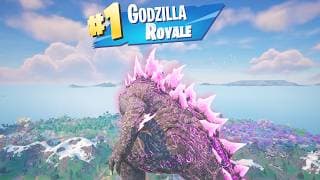
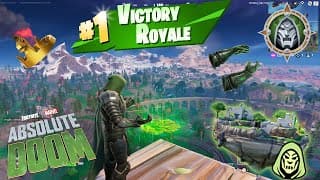
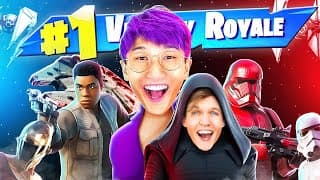
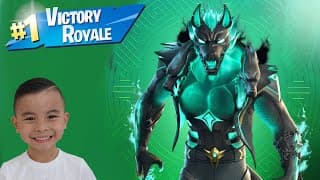
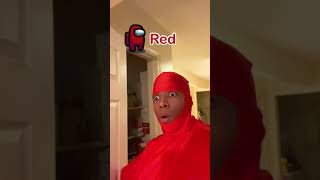
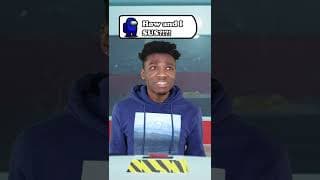
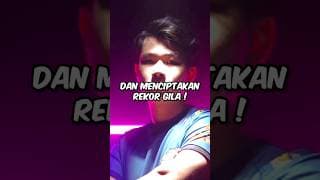
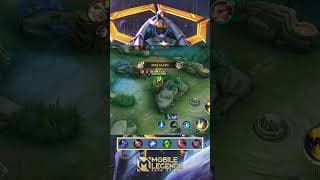
We offer hundreds of YouTube thumbnail templates across various categories, including gaming, tutorials, vlogs, and popular creator styles like MrBeast and Fortnite.
Absolutely. After customizing your template, you can download your thumbnail in high-resolution PNG or JPEG formats, optimized for YouTube uploads.
Yes, you can try our YouTube thumbnail editor for free with limited access to templates and features. Upgrade anytime for full access.
Yes, our clickbait thumbnail generator helps you create attention-grabbing thumbnails that comply with YouTube guidelines. Focus on creating curiosity and excitement about your actual content without misleading viewers. Use bold visuals, compelling text, and dramatic elements while ensuring your thumbnail accurately represents what viewers will find in your video.
A good YouTube thumbnail design combines high contrast colors, clear and readable text, compelling imagery (like expressive faces or action shots), and a clean layout that works at small sizes. Effective thumbnail design ideas include using the rule of thirds, incorporating your brand colors, adding emotional expressions, and ensuring key elements are visible even when the thumbnail appears small in search results.
Yes. You can start with any free YouTube thumbnail template and edit it with no cost.
Yes. Whether you make gaming, vlogs, podcasts, or reviews, we have styles built for you.

Ready to grow your channel?

Sign Up for Free