Free AI YouTube Thumbnail Maker That Gets More Clicks
Upload a video, paste a YouTube link, or describe your idea. Our AI turns it into a click-optimized thumbnail in seconds. No design skills needed.


Trusted by 20M+ creators


















From idea to upload
Make a YouTube thumbnail in three steps
Start with whatever you have. vidIQ handles the design work and gives you a polished result ready to refine.
Start with your idea
Describe the video, paste its YouTube link, or upload the footage.
Let AI find the hook
vidIQ turns the strongest visual angle into a click-ready concept.
Refine and publish
Adjust the result with a prompt, then download it ready for YouTube.
01 · Flexible input
Start From a Video, a Link, or a Prompt
Upload your footage, paste a YouTube link, or describe your idea in a text prompt. The AI scans your video for the highest click-pull moments, or generates directly from your description, then builds a thumbnail around them. No timeline scrubbing, no blank canvas, no stock templates. Just your content turned into a click-ready thumbnail in seconds.
02 · Creator recognition
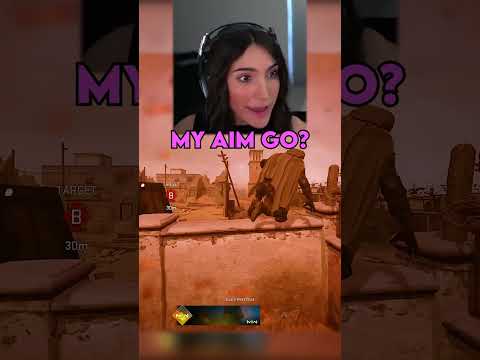
Put your face front and center
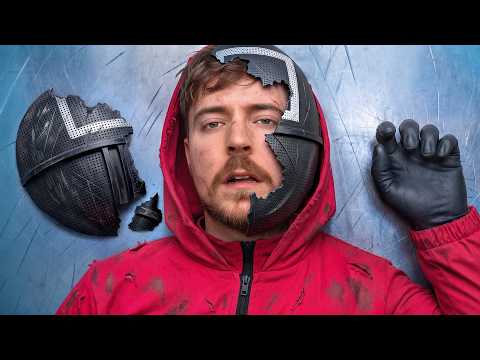
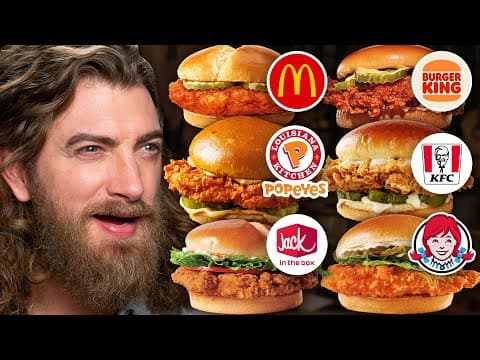
Upload a selfie and the AI removes the background, matches the lighting to your thumbnail, and places your face where it pulls attention at small preview sizes. Faces are one of the strongest attention drivers on YouTube, and this YouTube thumbnail creator handles the cutout for you, so every thumbnail keeps your channel recognizable.

03 · Style matching
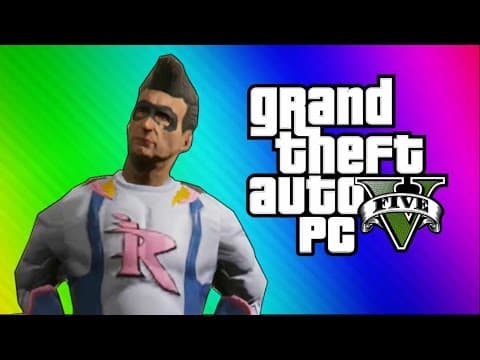
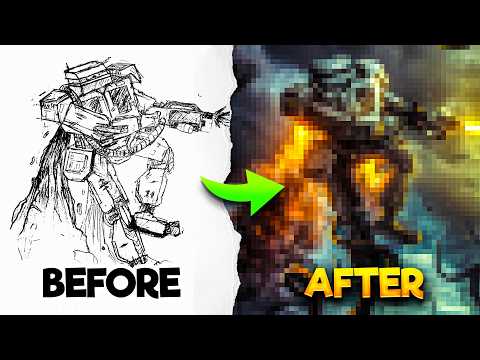
Match any thumbnail style you like
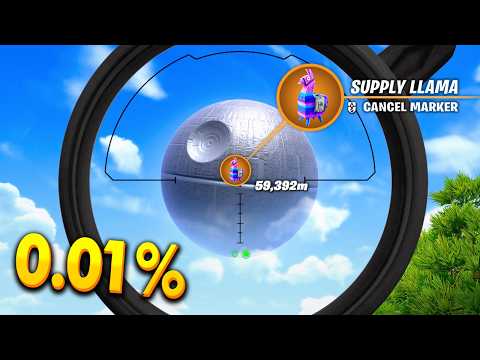
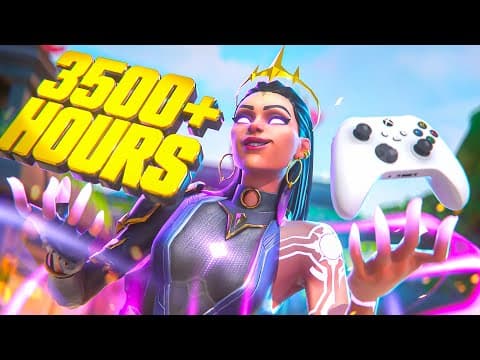
Drop in a reference thumbnail and the AI rebuilds that look, the layout, contrast, and framing, using your own content. You get a familiar, proven structure while every thumbnail stays original to your channel.
04 · Prompt-based editing
Edit Your Thumbnail by Typing
Tell the AI exactly what you want. Erase a background, add bold text, adjust colors, or change the mood. Type “make it brighter” or “add a red border” and watch it update in real time. No Photoshop, no design skills needed.
The Anatomy of a High-CTR Thumbnail
Your thumbnail has one job: get viewers to click. Here is what our YouTube thumbnail generator optimizes for:
High-contrast colors
Palettes that stand out against YouTube's dark feed
Mobile-readable text
Bold fonts sized so your message lands on a 5 inch screen
Expressive faces
Face detection that highlights emotion, the top attention driver
Clean layouts
Imagery and text balanced so nothing competes
Patterns from top performers
Styles modeled on thumbnails already pulling clicks
Skip the blank canvas. Get a click-ready thumbnail in seconds.
Built for every YouTube niche
The AI is trained on high-performing thumbnails across gaming, beauty, finance, education, tech reviews, lifestyle, and vlogs. Whatever your channel covers, the YouTube thumbnail generator surfaces design patterns that already win clicks in your niche, so your thumbnails fit where your audience is watching.
Designed for YouTube
Built for clicks, not just for looks
Most thumbnail tools start with a blank canvas. vidIQ starts with real YouTube performance data, so every design is shaped around what earns attention in the feed.
20M+
creators already use vidIQ
Real data
informs every visual direction
No canvas
or design experience required
More Free AI Tools for YouTube Creators
Pair the Thumbnail Maker with these tools to optimize your entire YouTube strategy
Title Generator
Generate video titles that earn attention and communicate the payoff.
Description Generator
Write optimized descriptions that explain your video and support discovery.
Video Ideas Generator
Find fresh concepts based on your niche and audience opportunities.
Tag Generator
Create relevant tags to help YouTube understand your video topic.
Thumbnail Downloader
Download public YouTube thumbnails for research and reference.
Channel Name Generator
Brainstorm channel names that feel memorable, focused, and searchable.
FAQs
What makes a good YouTube thumbnail?
How do you make thumbnails on YouTube?
How do you create a YouTube thumbnail?
Is vidIQ's thumbnail maker free?
How does the AI generate thumbnail designs for my video?
What makes this different from other thumbnail makers?
Can I use my own images or footage?
Can you make a YouTube thumbnail on your phone?
How fast can I generate a YouTube thumbnail?
Can I customize thumbnails after generating?
Does it work for any YouTube niche?
Better Thumbnails. More Clicks. Faster Growth.
Join the 20M+ creators using vidIQ to get more views.