Garena Free Fire Thumbnails Templates

Garena Free Fire Thumbnails

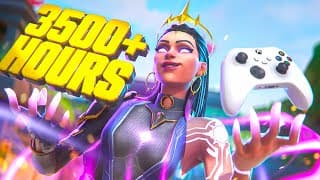
Create stunning Garena Free Fire thumbnails instantly. Choose from free, eye-catching Free Fire thumbnail templates and customize them to create high-impact images that will make your video stand out and attract more viewers in the fast-paced world of Free Fire.

Start Creating Now

Booyah Victories

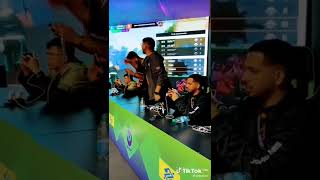
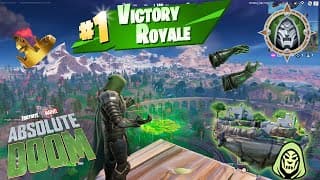
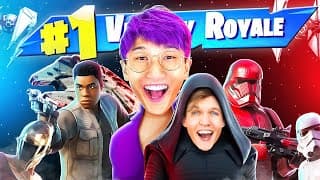
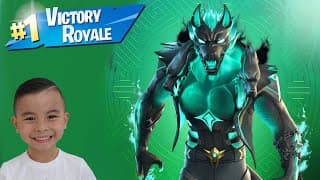
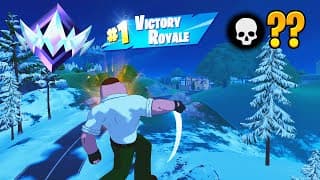
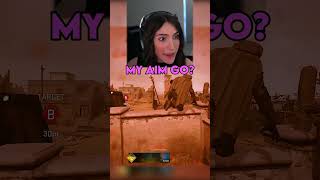
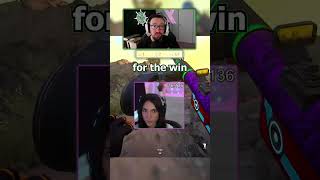
Showcase your triumphant Booyah moments with bold, attention-grabbing thumbnails. Feature your winning eliminations, victory celebrations, and clutch plays with vibrant effects and powerful text to highlight your skills and draw viewers to your epic wins.

We wonn the Esports League!!

Film by Mohit

Unveiling my winning secret to defeating Maxim!

Garena Free Fire Global

DJ KSHMR - One More Round (Free Fire Booyah Day Theme Song)
Free Fire India Official

100 Streak

SATVIK

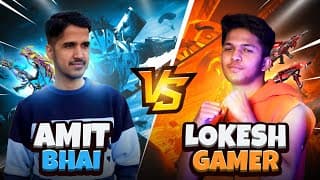
Lokesh Gamer Vs Desi Gamer Best Collection Battle Who Will Win

LOKESH GAMER

FreeFire vs BGMI (PUBG) - Who Will Win

Sameer Gaming

Free Fire tournament booyah!

SAYCO ASHISH GAMING

College ke Free Fire tournament jeet gaye

Film by Mohit

Character Abilities & Skills

Design captivating thumbnails showcasing Free Fire character abilities and skill combinations. Highlight awakened characters, powerful skill sets, and strategic ability pairings with dynamic visuals to attract players looking for the best character builds.
Alok is soon to be awakened! Check out new ability now.

Garena Free Fire Global

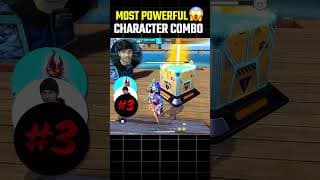
Most Powerful Character Skill Combination for CS Rank

FireEyes Gaming

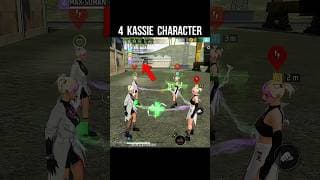
4 Kassie Character Ability Test - Free Fire New Character

Srikanta

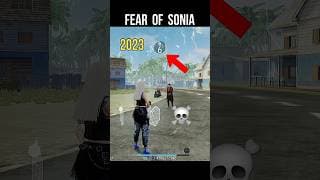
Fear Of Sonia Character - Free Fire Sonia Character Ability

Srikanta

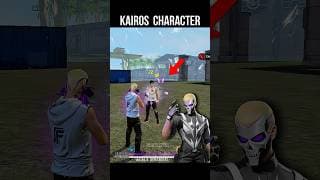
Kairos Character Ability Test - Free Fire New Character

Srikanta

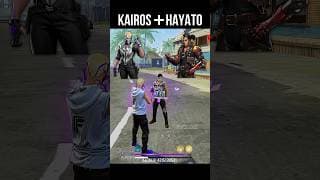
Kairos + Hayato - Best Skill Combination

Srikanta

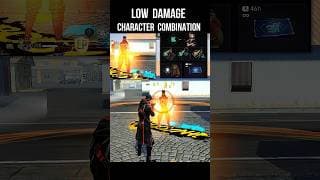
Low Damage Character Combination - Best Character Combo

Srikanta

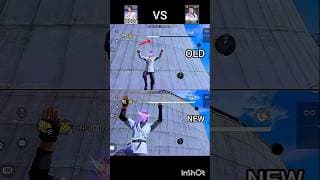
Old Koda vs new Koda ability test

Joya kha

Ranked Gameplay Highlights

Create thrilling thumbnails for your ranked gameplay and clutch moments. Feature intense 1v4 situations, headshot compilations, and record-breaking kill counts with dramatic visuals that showcase your competitive prowess and attract viewers looking for high-skill content.
Best Clock Tower Trick For Booyah - 1 vs 4 Moment

PK GAMERS

M60 ALL TIME BEST 1 VS 4

Total Gaming

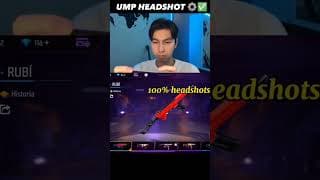
Secret Ump Headshot Trick & Setting 100% Working

Harry Brudaaa

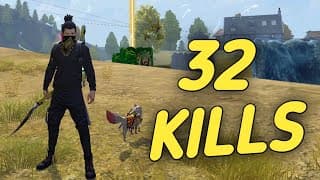
32 KILLS SOLO VS SQUAD - MAKING HISTORY

ALPHA FREEFIRE

1VS4 Impossible Clutch Against CS Rank Naders

ARISUDAN YT

Fastest Kill World Record in Free Fire

Desi Gamers

Did Free Fire Banned Me to reach Grandmaster Top 1

Tonde Gamer

Insane 2 AWM Intense Duo vs Squad OverPower Gameplay

Total Gaming

Tips, Tricks & Guides

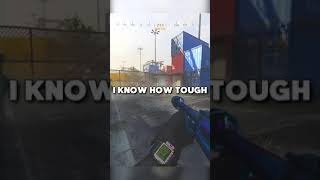
Design informative thumbnails for your Free Fire tutorials and strategy guides. Feature headshot tricks, sensitivity settings, and pro movement techniques with clear visual cues and instructional text to attract players looking to improve their game.
Tatsuya, I know how to deal with you!

Garena Free Fire Global

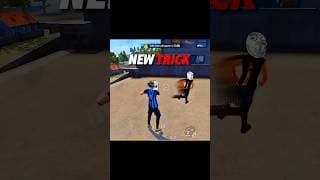
New Trick - Free Fire Best Character BR & CS Rank Tricks

Srikanta

NOOB TO PRO JOURNEY LVL 100

ARJ Shani

Free Fire Auto Headshot Trick - Mobile and PC Sensitivity

Total Gaming

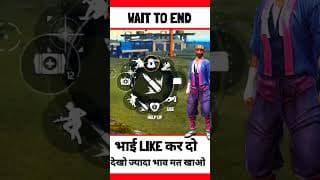
Secret Trick

FX ZERO PLAYz

New Illegal MOVEMENT Increase 100% Accuracy Tips And Trick

4K Gaming Bihar

Secret Ump Headshot Trick & Setting 100% Working

Harry Brudaaa

Unveiling my winning secret to defeating Maxim!

Garena Free Fire Global

FAQs

A strong Free Fire thumbnail grabs attention instantly. Use bold, high-contrast colors, minimal but powerful text, and clear visuals of gameplay highlights, character abilities, or Booyah moments. Simplicity and clarity are key — viewers should know what the video is about in one glance.
Yes. You can create free Free Fire thumbnails using our templates. Generate a design instantly, and if you want more customization, log into vidIQ to edit with our Thumbnail Editor.
Choose a Free Fire thumbnail template, upload your gameplay screenshot or artwork, and then customize text, colors, and effects. You can edit directly in our Thumbnail Editor to create a unique look that fits your video.
Pick your favorite template and click Generate. Enter a short prompt to customize the design. Once logged into vidIQ, you can fine-tune it in the Thumbnail Editor, adjusting fonts, colors, and images to match your video.

Booyah victories, clutch 1v4 moments, character ability showcases, and headshot compilation highlights tend to perform best. Use clean visuals of gameplay or characters paired with bold backgrounds to make your thumbnails stand out.
Yes. vidIQ's Free Fire thumbnail templates are original designs, free for creators to use. They're inspired by Free Fire's style but not copied from copyrighted images, so you can safely customize them for your channel.

Ready to grow your channel?

Sign Up for Free